
Turn your Phone into Alexa Easily
Announcements
You can turn your phone into Alexa hassle-free and take advantage of voice assistant features right on your smartphone. This solution offers convenience and cost-effectiveness by allowing you to control smart devices, access information, and automate tasks using only voice commands.
Announcements
The idea of turning your phone into Alexa came about as a response to the demand from users who want to access Amazon’s artificial intelligence and automation without relying on a specific speaker.Many owners of Android and iOS smartphones already have the perfect device at hand to perform this task, and the available solutions make the process simple and straightforward.
How to Use Amazon Alexa App on Your Mobile
The first step to turn your phone into Alexa is to download the official Amazon Alexa app through the Google Play Store or Apple App Store. After installing the app, open it and log in with your Amazon account ‘The same as you would use to buy products or manage your account on the platform. The app automatically syncs with your data and devices linked to your Amazon account.
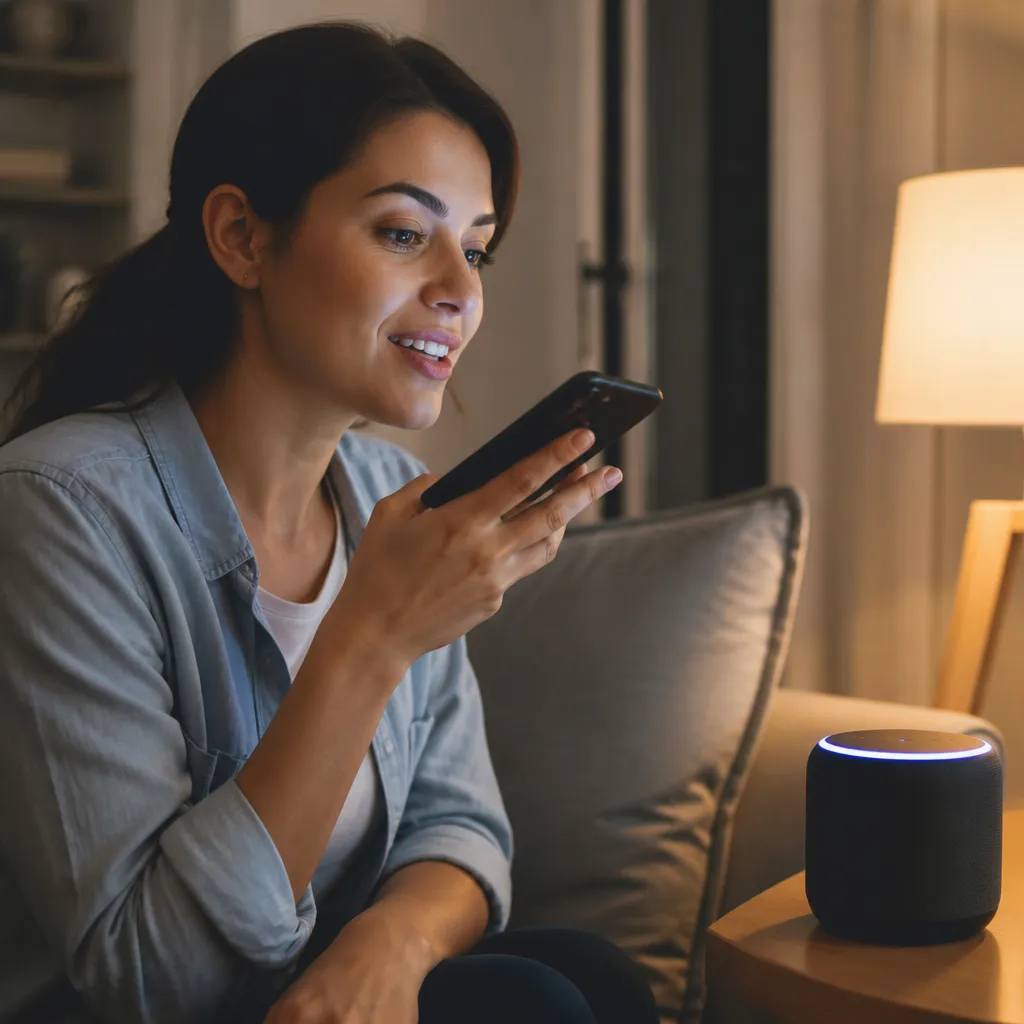
With the app open, you access an intuitive interface that works exactly like an Echo or other Alexa speaker. Use the on-screen microphone button to enable voice recognition and say your commands in natural tone. The wizard responds with audio and displays visual information on the phone screen, offering a complete and different experience from using just a traditional speaker.
The advantage of using the app on your mobile phone is that you carry Alexa anywhere in the house or even when you leave the property. This means that you control your smart lights, electronic locks and other IoT devices from any environment where you have your smartphone in hand. The app keeps all routines, scenes and preferences synchronized, so your experience is consistent across all your devices.
Key Features of Alexa on Mobile
Alexa turned into a mobile app offers almost the same features as a dedicated speaker.You can shop on Amazon, view weather, set alarms and reminders, control the smart home, play music, make voice calls and even control the television if it is compatible. All these actions work through simple and natural voice commands.
A particularly useful feature is the ability to create personalized routines.You can establish a “Good morning” routine that activates the lights, rings the news and reads your calendar appointments when you wake up. Similarly, a “Leaving home” routine can turn off the lights, lock the doors and adjust the thermostat automatically. These automations save time and significantly increase your daily productivity.
Smart device control is another important highlight of Alexa on mobile. If you have connected lamps, smart sockets, security cameras or compatible sound systems, you can manage them all through the application.In addition, Alexa allows you to group devices in specific rooms, facilitating commands such as “Alexa, turn off the bedroom lights” or “Alexa, increase the volume of the living room”.
Initial Configuration and Device Synchronization
After logging into the Alexa app, you need to connect your smart devices so that the wizard recognizes them. Navigate to the “Devices” section in the app and select “Add Device”. The app will guide you through the process of automatic or manual discovery of your compatible IoT devices.Make sure all your devices are connected to the same Wi-Fi network in your home to ensure proper communication.
Synchronization between the app on your phone and other Alexa devices you may have at home occurs automatically. If you set a routine on your Echo speaker, it will appear in the mobile app, and vice versa. This offers total flexibility, as you can start a task on one device and continue on another without losing settings. The experience is seamlessly integrated and frictionless.
You can also customize the app by choosing a light or dark theme, adjusting the font size and customizing the order of your shortcuts on the home screen. These small customizations make the experience more comfortable and tailored to your individual preferences. The app allows you to create multiple profiles if you share your phone with other family members.
Frequent Questions about Turning Your Phone into Alexa
A common question is whether turning your phone into Alexa causes excessive battery consumption. In fact, the application is relatively light and does not drain more battery than other apps you use regularly. If you want to minimize consumption, avoid leaving the microphone constantly active and disable features that you do not use often. Most users report that battery consumption is acceptable for the benefit obtained.
Another frequent question is about privacy and security when using Alexa on mobile. Amazon implements end-to-end encryption to protect your data and commands. You can review and delete voice command history at any time in the privacy settings of the app.In addition, the microphone is only activated when you touch the specific button, not working in continuous listening mode by default.
Many users also ask if they need a Prime subscription to use Alexa on mobile. The answer is no. You can use the app for free with a regular Amazon account.Some features like shopping and streaming music may require specific paid services, but most of the core functionality is available to all users at no additional cost.
There is also doubt about compatibility: the Alexa app works on virtually all modern smartphones, both Android and iOS. Make sure your device meets the minimum operating system version requirements listed in the app store before downloading. Older devices may have limitations, but most smartphones from the last five years will work properly.
Optimizing Your Alexa Experience on Mobile
To get the most out of Alexa on your phone, invest in creating well-structured routines that automate your daily activities. Think about which tasks you do repeatedly and that could be simplified with a single command. For example, a “Work” routine can lower the brightness, turn on the phone’s muffler and turn on your concentration music with a single voice command.
Another valuable piece of advice is to explore Alexa integrations with other services. You can connect the app to your Spotify, Netflix, Todoist account and many other popular platforms. These integrations significantly expand what you can do with voice commands, making your experience more powerful and versatile. Take the time to investigate which integrations work best for your lifestyle.
It is also recommended to use the custom command function (Custom Routines) to create specific shortcuts that align with your personal routine. If you work from home, for example, you can create a “Start workday” routine that opens your most used applications and adjusts the environment for maximum productivity. These small adjustments turn Alexa from a simple assistant into a true manager of your digital life.
Finally, keep your app up to date to ensure you have access to the latest features and security improvements. Amazon constantly adds new features and optimizations to Alexa, and these updates often improve the overall stability and performance of the app.



