See X Ray on Mobile Quickly
Announcements
Many still believe that viewing an x ray on the cell phone is something complicated or impossible without specialized equipment. In reality, modern technology offers practical and affordable solutions for you to check radiographic images directly on your smartphone, provided you have authorization and access to the files. Find out how this works and what is truth or myth about the subject.
Announcements
The advancement of mobile devices has transformed the way we consume medical information and sensitive documents. You can view x rays on mobile quickly using different methods, from specific applications to secure online platforms provided by clinics and hospitals.In this article, we will undo common misconceptions and show the real ways to access these images safely.
Myth: It is not safe to see x rays on a smartphone
Many people believe that seeing an x ray on the mobile phone compromises privacy or file integrity. This is partially false when you follow the correct protocols. Medical files shared by legitimate clinics and hospitals often come encrypted or on secure platforms that require authentication, protecting your personal and sensitive data.
The real risk arises only when you try to access images through unauthorized channels or when the device lacks basic protection. A smartphone with a strong password, updated operating system and installed antivirus offers security similar to that of a desktop computer to view medical documents. Therefore, security depends more on your protection habits than on the device itself.
Truth: Clinics and hospitals offer online access to images
Most modern health institutions provide portals or applications where you access your medical tests, including x rays. You receive a login and password, authenticate and can view the radiographic image in a matter of seconds on your phone. This is the fastest and safest method to see an x ray without leaving home.
These digital platforms exist specifically to facilitate patient access to their own results. You can download the files, share them with other doctors (when necessary) or simply consult the image when you need to review the diagnosis. The process is usually intuitive and requires only a stable internet connection.
Myth: Any application can open x ray files
Not every app can properly open and display a radiographic image in DICOM (Digital Imaging and Communications in Medicine) format. Ordinary photo gallery applications cannot process this type of complex file, which contains multiple layers of medical information.
There are applications developed specifically to view DICOM files on smartphones, offering tools such as zoom, rotation, contrast adjustment and brightness. These viewers maintain the image quality and allow a more detailed analysis of the x ray. If the application you are using is unable to open the file, it is because it was not developed for this specific purpose.
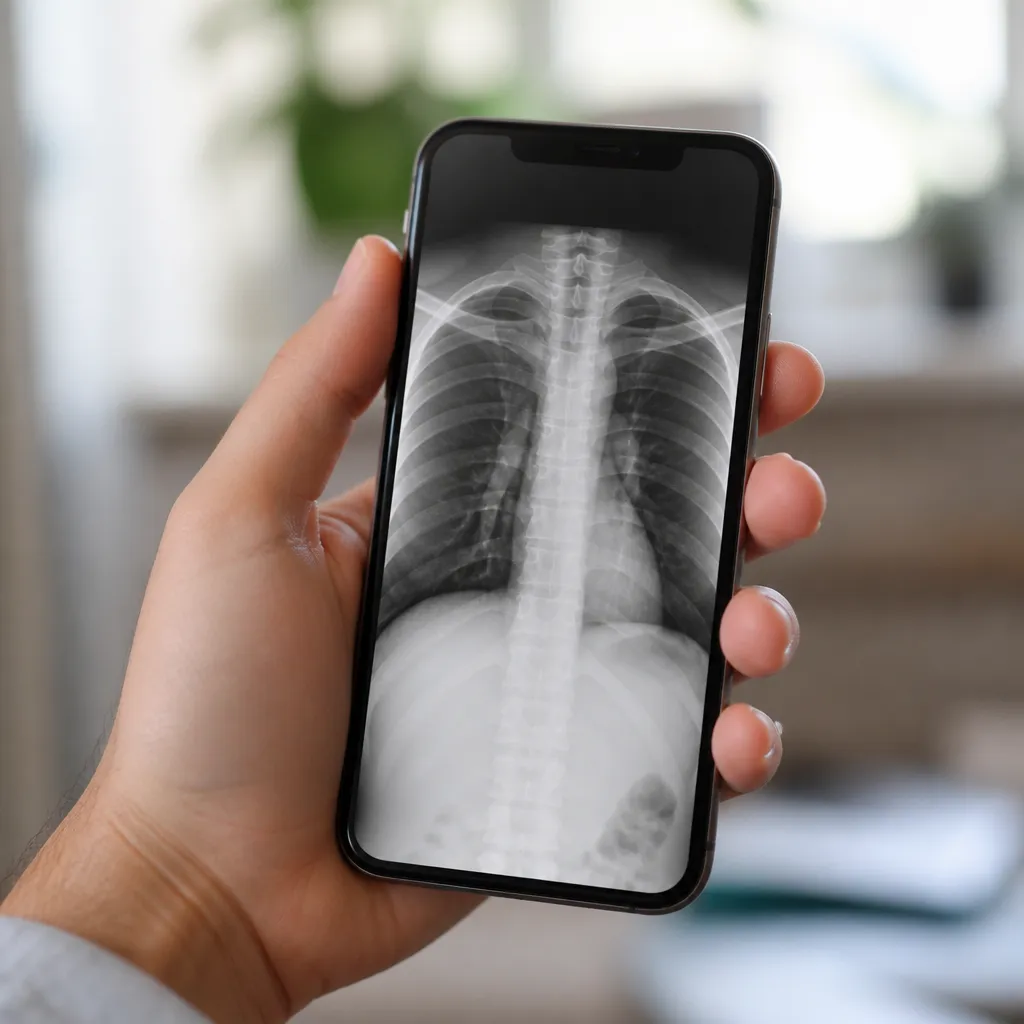
Truth: You can visualize in seconds with the right methods
When you have legitimate access to a digital medical platform, viewing an x ray takes only a few clicks. Portal access, login, scan search and the image appears on your mobile screen in real time.There is no significant delay beyond the natural loading time of a high resolution image, which is usually less than 10 seconds on 4G or WiFi connections.
Speed is one of the great benefits of current technology. You no longer have to go to the clinic, wait for the image to print or request a CD with the files. Everything is within reach of a touch, available 24 hours a day, anywhere you have internet connection on your smartphone.
Myth: X ray file takes up a lot of space on mobile
DICOM radiographic images can be heavy, but most health platforms do not require you to permanently download the files. You view them in streaming, that is, the image is loaded on demand without taking up significant space in the internal memory of your device. Only when you choose to download the file does it take up space.
An x ray in DICOM format can weigh between 2 to 5 MB per image, which is considerable depending on the type of examination. However, most modern smartphones have enough storage, and you can always delete the file after consultation or sharing with another doctor. The space issue is easily circumventable with current online viewing options.
Truth: Multiple methods exist to access x rays quickly
You have several practical options to view an x ray on the mobile quickly. The first is through the patient portal of the health institution itself, accessed via smartphone browser. The second is using an official application made available by the clinic or hospital. The third involves specialized DICOM viewers for when you receive the file by email or data transfer.
Each method offers distinct advantages depending on your specific situation. If you are already a patient of a digital institution, their portal or app is the most direct way.If you received a file by other means, a specialized viewer ensures full compatibility. Knowing all these options makes the access experience much more flexible and convenient for your everyday medical needs.